School administrators

Admin dashboard overview
Sign in as a school administrator and explore the dashboard, sidebar, and where to go next.
Quick Start wizard
Walk through school setup steps so your school is ready for staff and students.
School setup: levels, sessions & settings
Configure academic structure, sessions, terms, and school settings.
Staff and roles
Add staff, assign primary roles, and understand access control.
Student management
Add students, place them in classes, and keep records up to date.
Parent accounts
Create parent logins, link them to their children, and filter the directory by a linked child's class.
Classes and class teachers
Create classes, assign class teachers, and manage enrolment.
Class courses and subject teachers
Assign subjects to classes and link subject teachers.
Admissions
Run admission cycles and review online applications.
Fees and finance
Set fee structures, raise invoices, and track collections.
Results and report cards
Publish results and manage report card templates.
HR and payroll
Manage staff contracts, leave, and payroll runs.
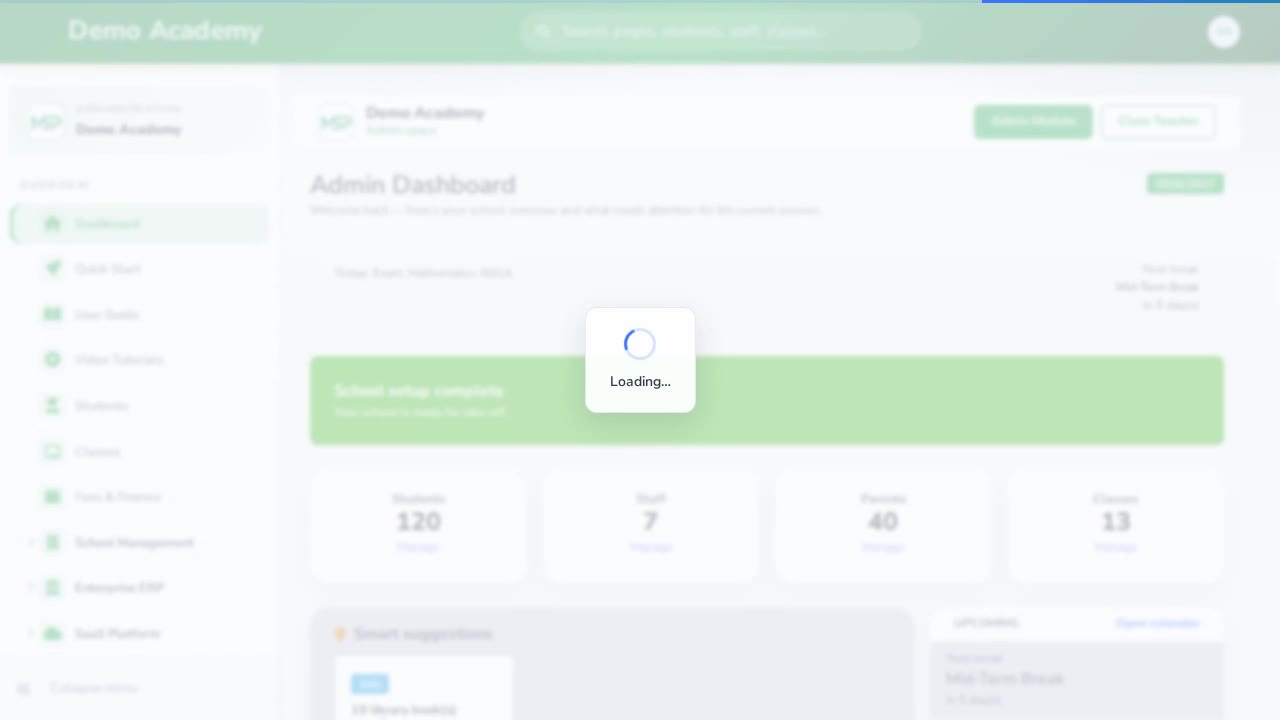
Newsletters and notifications
Send newsletters and school-wide notifications.
School services overview
Tour clinic, counselling, inventory, hostel, transport, library, and more.
Principal / leadership
Results and report cards
Publish results and manage report card templates.
Newsletters and notifications
Send newsletters and school-wide notifications.
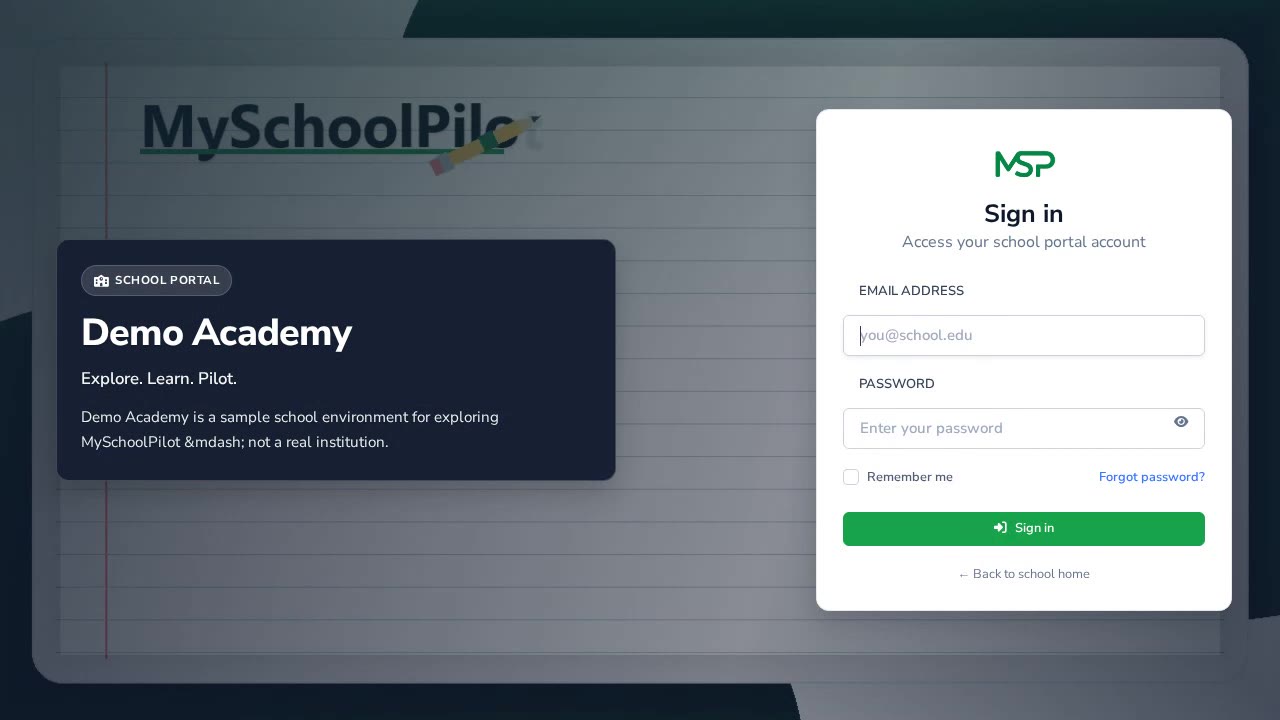
Principal leadership tour
Review academics, classes, results, and principal comments.
Finance & payroll
Fees and finance
Set fee structures, raise invoices, and track collections.
HR and payroll
Manage staff contracts, leave, and payroll runs.
Accountant: fees and collections
Day-to-day fee invoices, payments, and outstanding balances.
Accountant: payroll
Run and review staff payroll from the finance desk.
Medical officers
Counsellors
Inventory officers
Subject teachers
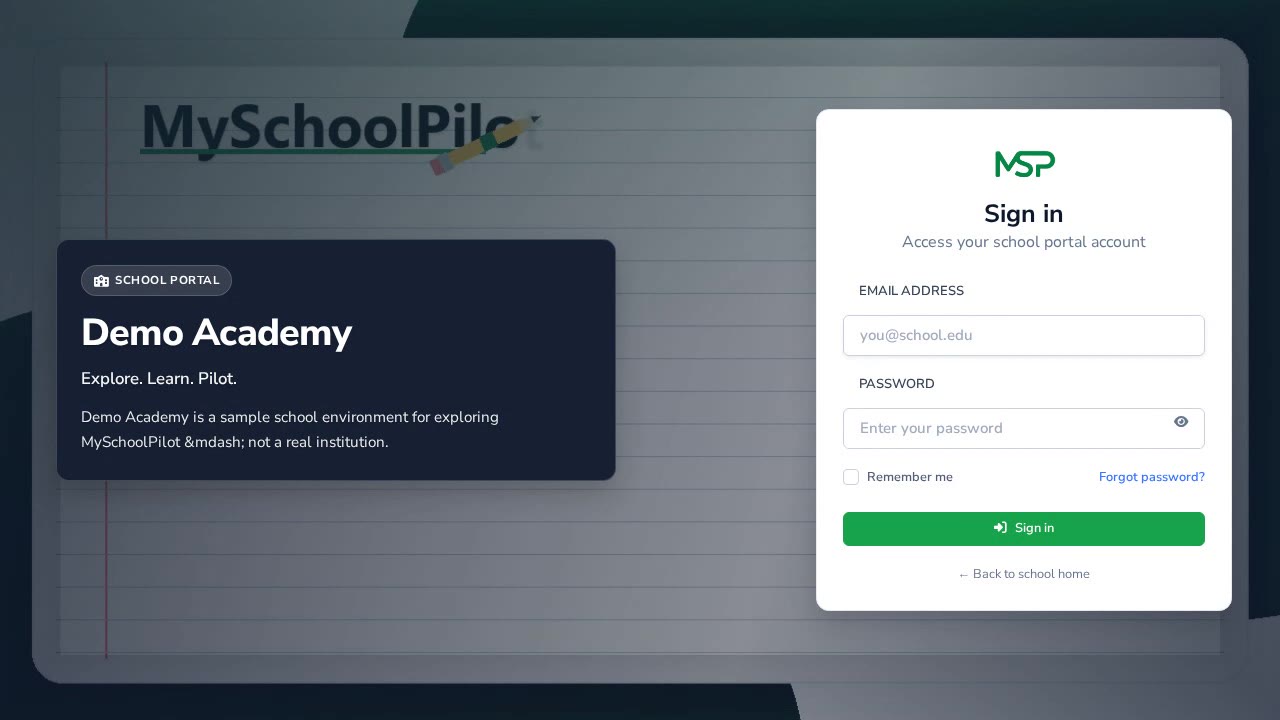
Teacher dashboard
Open the teaching workspace and your assigned courses.
Enter scores and assessments
Record continuous assessment and exam scores for your class course.
CBT and assignments
Create online tests and collect assignment submissions.
Subject attendance
Mark lesson attendance for students in your course.
Class teachers
Class teacher dashboard
See class overview, top performers, and intervention alerts.
Daily class attendance
Take the class register for the day.
Broadsheet and report cards
Review the broadsheet and prepare class report cards.
Behaviour and welfare
Log behaviour and follow welfare referrals for your class.
Students
Student: courses and learning
Open courses, assignments, CBT, materials, and results.
Student: school day
Check attendance, timetable, calendar, and feed.
Student: fees and services
View fee invoices and school services on the portal.
Parents
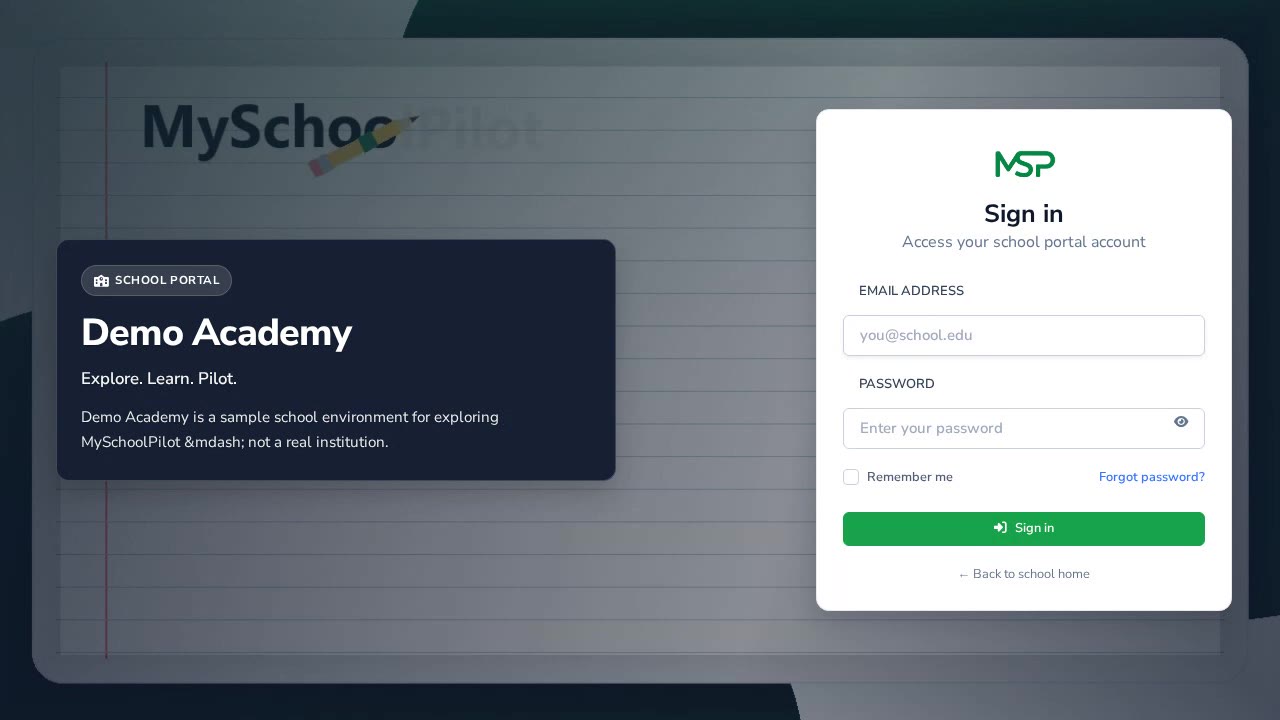
Parent portal overview
Switch children and navigate the parent portal.
Parent: results and fees
View your child’s results and pay or track school fees.
Parent: messages and requests
Message teachers and submit family requests.